
A closer look at a self-custody crypto card that costs nothing to keep
 Available in US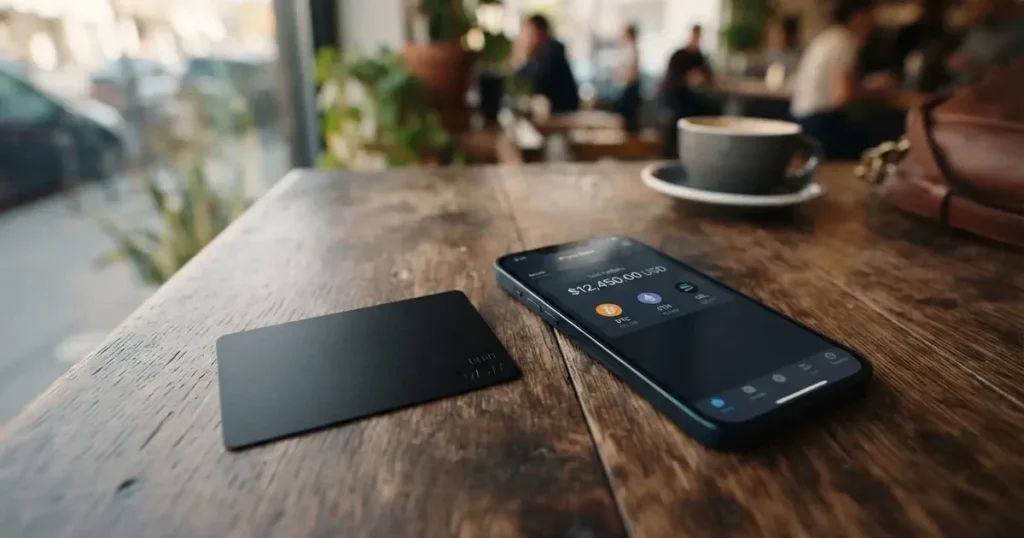
The Oppi card is a payment card issued from a self-custody crypto wallet, which is the main thing that sets it apart in a crowded market. Your private keys stay on your device, and when you pay the card network receives fiat, not coins. The trade-off, as I will walk through below, is a thin public footprint: the issuer is not named, the licence jurisdiction is not stated, and the only user signal I could find is a 4.6-out-of-5 App Store rating from about 50 people. The card scored 7.2 out of 10 in my assessment, and whether that lands as a recommendation depends almost entirely on how much that self-custody angle matters to you.
The conditions described below are current as of October 28, 2026.
Verdict: 7.2 out of 10
Oppi sits in a narrow slot: it is one of the few cards where your crypto never leaves your wallet until the moment you spend it. If that is what you want, the day-to-day mechanics are good, with virtual and physical cards, Apple Pay and Google Pay, a wide coin list, and no monthly or annual fee. The score loses ground on cost, because non-USD payments carry a 2% to 2.5% foreign-exchange charge, and on transparency, because the card issuer and the licensing jurisdiction are not named on the public pages I read. For readers who just need the cheapest way to spend stablecoins, there are stronger options elsewhere.
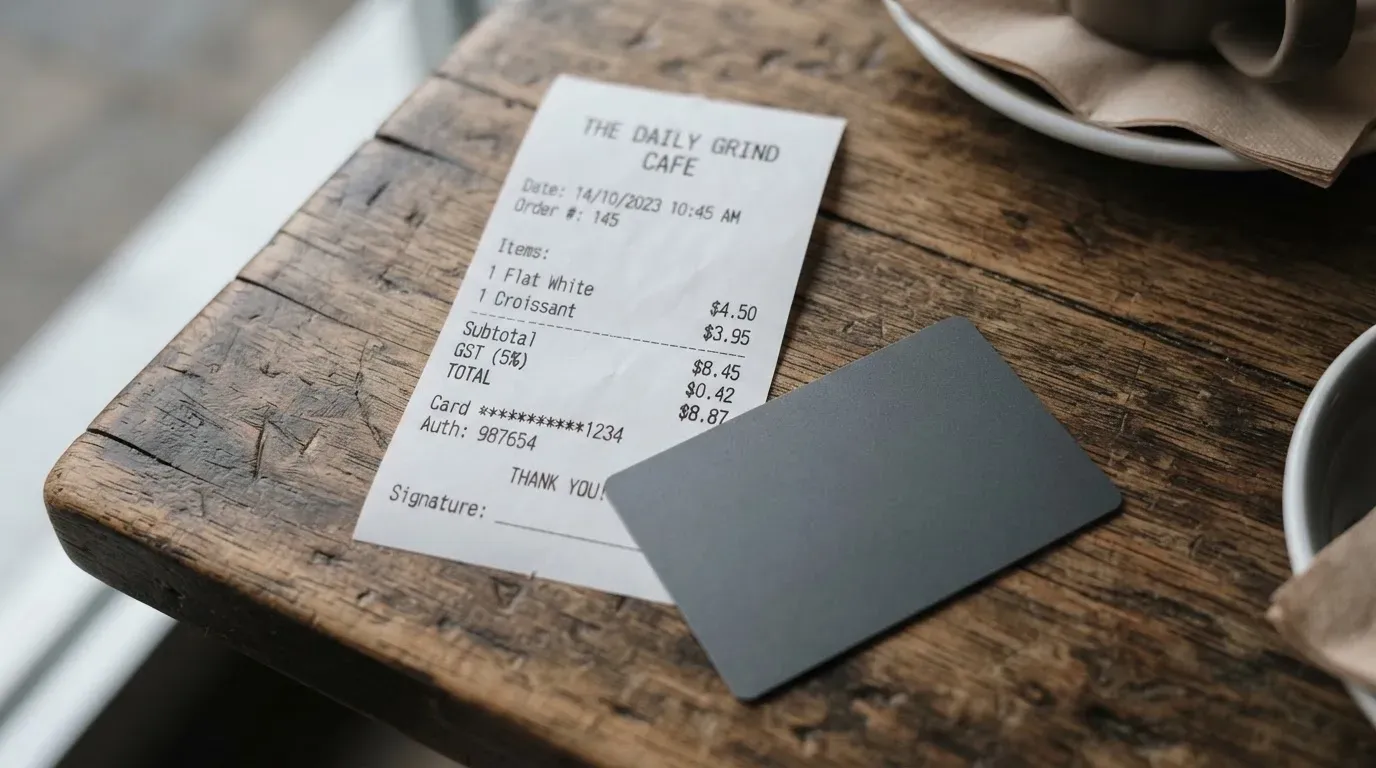
Here is the criterion-by-criterion view that produced the overall score.
| Criterion | Score | Note |
|---|---|---|
| Who can get it | 9 / 10 | Claimed in 210+ countries; a third-party source lists 221 and excludes Cuba, Iran, North Korea, Syria. |
| Cost | 4 / 10 | $10 to activate the virtual card with $5 returned, $100 for a physical card, and 2%–2.5% on non-USD payments. |
| Top-up options | 9 / 10 | BTC, BCH, BNB, ETH, LTC, SOL, USDT, TRX, USDC across Ethereum, BSC, Polygon, TRON, Solana. |
| Reliability and complaints | 6 / 10 | Self-custody keeps funds on your device; the issuer is not named; no complaints found; App Store 4.6/5 from about 50 ratings. |
| Everyday use | 9 / 10 | Virtual Mastercard, optional physical card, Apple Pay and Google Pay, ATM withdrawals stated. |
The audience this card fits is fairly specific: a self-custody user who already holds the coins Oppi accepts, who is comfortable with a non-bank-style product, and who mostly spends in US dollars so the foreign-exchange charge does not bite. If you mainly want a prepaid stablecoin card from a named, regulated issuer, this is not the obvious pick.
Will they give you the card
Oppi’s public pages describe the card as available in “210+ countries”, with other Oppi pages using 100+ or 200+ and the same disclaimer that “availability varies, regulatory limits apply”. The actual eligibility check happens at sign-up, which is worth knowing up front: there is no public list you can cross-reference beforehand, and the page FAQ does mention a restricted-country list, but the answers were not readable in the version I looked at. One third-party source, dating from August 2026, lists 221 countries as available and calls out Cuba, Iran, North Korea and Syria as excluded, with the AML policy also covering Crimea, Donetsk and Luhansk, and explains that “210+” refers to Mastercard acceptance rather than legal availability. I am treating that as unofficial and not confirmed by Oppi.
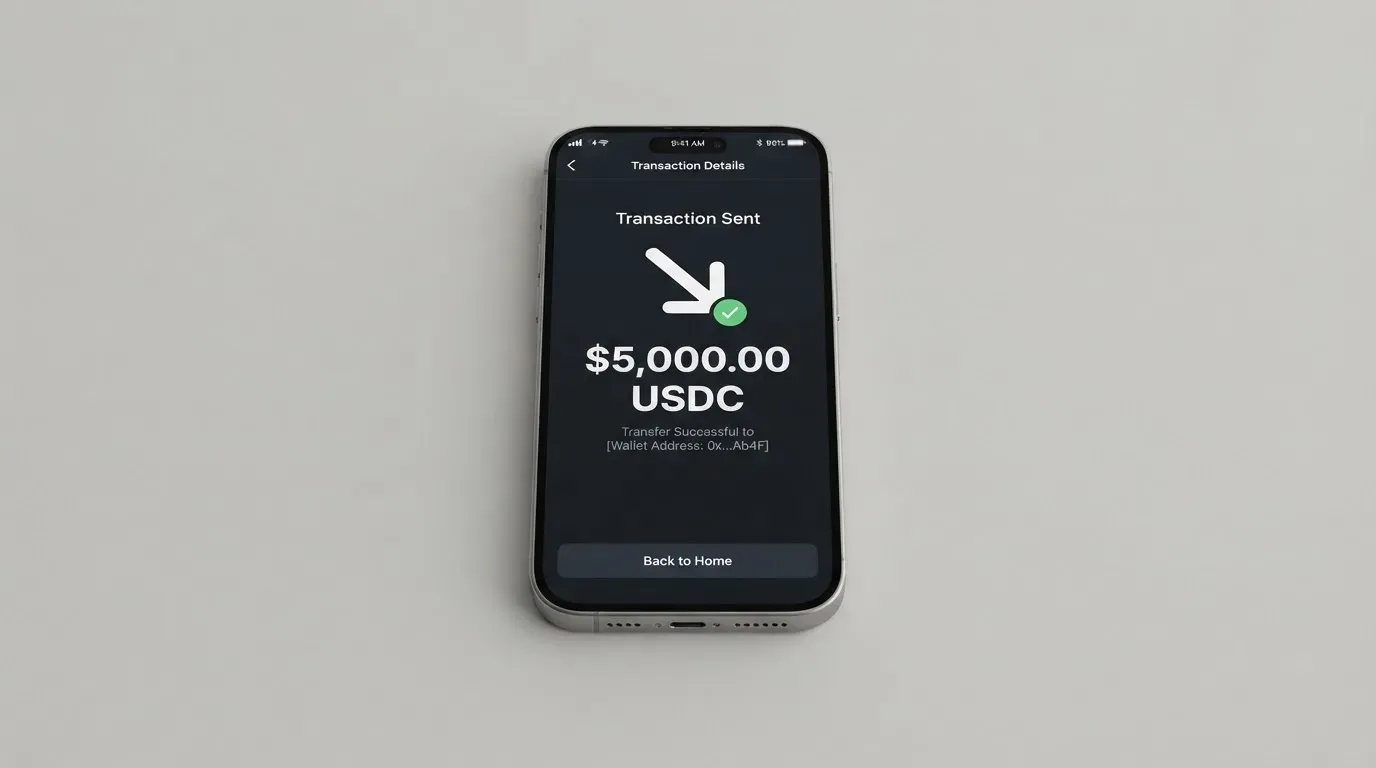
Two things follow from this. First, signing up is not the same as being approved. The wallet itself can be set up without identity verification, but enabling the card requires the standard “know your customer” check: a government ID plus a selfie, which the company says takes about 2 minutes. Proof of address, age, and any tier structure are not stated on the page. Second, where the card lands, physically and legally, is not the same as where you live. The Mastercard rails are global, but a card issued by an unknown BIN sponsor in an unknown jurisdiction can look “foreign” to merchants in another country, which can occasionally cause declines at checkout. I will come back to that pattern in the risks section.
If you are in a country where you cannot get an ordinary bank card, or you are a citizen of one of the listed restricted countries, the practical effect is that the wallet may install and the card may not. The only way to know for sure is to go through sign-up and let the eligibility check run.
How to get it
The path from a clean phone to a working card is short. You install the app, set up the self-custody wallet, and the wallet itself works without any identity check. To get the card, you complete the KYC step, which the app describes as government ID plus a selfie and says takes about 2 minutes. Once you are approved, the virtual card appears in the app. A physical card is optional and costs extra, and I will cover that in the cost section.
On what the card actually is, the public material is mildly inconsistent. The page table lists the physical card as Visa, the App Store listing says virtual Mastercard and physical VISA, and other Oppi pages say Visa/Mastercard. I am going to treat the card as a Mastercard, because that is the line the page itself uses for the virtual product, and as a Visa for the physical product, with the caveat that you should confirm the network in the app before you load it. You can have more than one virtual card on the same balance; the physical card, if you buy one, shares that balance.
A few practical details are simply not stated. The delivery time for the physical card, the countries it ships to, and the replacement cost for a lost or stolen card are all blank on the public pages. If any of those matter to you, plan to ask support directly before paying the $100.
Verification is described as a single level, not the multi-tier setup some other cards use. The wallet works without KYC; KYC unlocks the card. A third-party source, again from August 2026, says that under the AML policy, proof of address is required and that above $10,000 of daily withdrawals or $100,000 monthly the company can ask for proof of funds, a source-of-wealth questionnaire and a video call. That is unofficial and not confirmed by Oppi, but it is the kind of escalation that is normal for this category, and you should not be surprised if you see those requests as you spend more.
What it really costs
This is where Oppi’s score drops, and the main reason I would not recommend it to a reader whose main goal is to minimise fees. There is no monthly or annual fee, which is genuinely good, but the up-front and cross-border costs add up quickly.
| Fee or limit | Amount |
|---|---|
| Virtual card activation | $10 one-time, with $5 credited back |
| Physical card | $100 including shipping |
| Monthly fee | None |
| FX charge on non-USD payments | 2% to 2.5% |
| Crypto top-up conversion | Real-time rate, “low” swap fees, not quantified |
| ATM withdrawals | Supported; fee and allowance not stated |
| Daily and monthly limits | Not stated on the card page |
To make those numbers feel less abstract, here is how they play out across three everyday situations. None of these is a forecast; they are just worked examples with the fees Oppi publishes, so you can see what a typical payment would cost you.
A coffee in New York. You pay $5 in US dollars with a USDC balance. The conversion runs at the real-time rate with a “low” swap fee that is not quantified on the page. There is no foreign-exchange charge, because the payment is already in USD. The merchant sees a Mastercard transaction, and you should not expect any meaningful fee beyond the spread inside the swap. This is the use case Oppi handles cleanly.
A train ticket in Paris at €60. The card converts EUR to USD and the network charges a foreign-exchange fee of 2% to 2.5% on the euro amount. On a €60 ticket, that is €1.20 to €1.50 added on top of the ticket price, before any conversion spread in the swap. If you travel often, this is the line item that matters, and it is the one that makes Oppi expensive compared with cards that charge 0% on non-USD spending or that bill in the merchant’s currency with no extra mark-up.
A cash withdrawal of $200 from an ATM abroad. The page says ATM withdrawals are supported, but it does not state the fee or the monthly allowance. The 2% to 2.5% foreign-exchange charge would also apply on the local-currency leg of the transaction, again before any spread. Treat this as a use case where the unknowns are at least as important as the knowns, and check the app’s disclosure at the ATM before you commit.
The App Store listing adds one wrinkle: it says travel bookings have “no currency exchange fees”, which contradicts the 2% to 2.5% line on the page itself. I would not rely on the App Store copy here; the page is the source I would trust, and you should assume the foreign-exchange charge applies unless the app tells you otherwise at the point of sale.
On the unofficial side, one third-party source says card loading typically costs 1% to 2% and that a different reading of the same product, taken from Google Play and a February comparison, describes the virtual card as free and the physical as $10. That conflicts with the official numbers, and I have not used it in the table.
How to top it up
Topping Oppi up starts with a transfer to the right network, and the list of what the card accepts is one of its real strengths. The page lists BTC, BCH, BNB, ETH, LTC, SOL, USDT, TRX and USDC, across the Ethereum, BSC, Polygon, TRON and Solana networks. The App Store listing broadens that to “40+ assets”, which suggests the on-chain side accepts more than the page summarises. Whichever figure is right, the practical point is that all the major coins and stablecoins you are likely to hold are supported, on all the major networks you are likely to use.
The card itself is pre-funded, in the sense that crypto is converted and loaded as a balance, and that balance is shared across the virtual card and the optional physical card. The conversion runs at the real-time market rate; the swap fees are described as “low” without a number. One third-party guide cited by that source says card loading typically runs 1% to 2%, but Oppi does not itemise that on its own page, so I am not putting a number on it here.
Two practical points that come up over and over with this kind of card. First, sending a stablecoin on the wrong network, for example USDT on TRC-20 to an address that expects Ethereum ERC-20, can mean a lost deposit that needs manual support to recover, and recovery is not guaranteed. Circle also stopped supporting USDC on the Tron network in February 2024, so “USDC over TRC-20” is not a native option. Second, on Ethereum you need a small ETH balance to pay gas, so a wallet that holds USDT but no ETH cannot send. Tron handles fees through bandwidth and energy, often by burning TRX; it is not a free network, it just bills differently.
A fiat top-up method and the minimum top-up amount are not stated. If bank transfer or card top-up matters to you, plan to confirm with support before you commit.
Paying with it every day
Once the card is loaded, the everyday experience is straightforward. The virtual Mastercard is the default product, and the optional physical card is the one to order if you want to tap a card at a terminal. Both Apple Pay and Google Pay are supported, so you can add the card to a phone wallet and pay with a watch or a phone at contactless terminals. ATM withdrawals are described as supported, with the fee and allowance not stated, which I have already noted in the cost section.
A few things are simply not stated. The page does not publish a list of blocked merchant category codes, so it is not clear whether gambling, dating, crypto purchases, or other high-risk categories will be declined. The eligible-spend rules for the rewards programme are also thin: the page says eligible card spending earns Oppi Points redeemable for top-ups, and that is the level of detail you get. The rate and the caps are not published, so I cannot tell you whether the rewards meaningfully offset the foreign-exchange charge.
The app is iPhone-only on the public listing, requiring iOS 15.6 or later, and is also listed for M-series Mac and Apple Vision. The App Store rating at the time I read it was 4.6 out of 5 from 50 ratings, with four visible 2025 reviews all positive. The English-only listing matters if you do not read English: there is no second language in the official material. A third-party source, dated August 2026, gives Apple 4.6/5 from 16 ratings and lists Google Play figures of 4.3/5 in the page body, 4.8/5 and 4.5/5 in the sidebar. I have not relied on the Google Play figures because the official page is App Store only, and the source itself is unofficial.
On disputes, the help centre shows a list of frequently asked questions without readable answers, and the dispute process is not stated. That is a real gap. Most regulated card issuers describe how to raise a transaction dispute, the time window, and the evidence they need; here you do not get that, and you should assume that raising a chargeback is harder than it would be with a bank-issued card.
What can go wrong
There are three layers of risk to think through, and they are quite different in kind.
The first layer is the company and the programme. The App Store lists the developer as Encoin Limited, trading as Oppi Wallet, and the site says the product is “VASP-certified”, without giving a licence number or a jurisdiction. The card issuer and the BIN sponsor are not named publicly. A BIN, or bank identification number, is the first six or eight digits of a card number and identifies the institution that issued the card. A merchant’s system can read it and apply extra checks if the issuer country does not match the customer’s billing address, which is one reason cards from less-known issuers sometimes get declined. A crypto card programme typically depends on a regulated issuer behind the brand, and on Oppi that layer is not transparent. The third-party source notes that the issuer and BIN sponsor are not publicly identified as of August 2026, which matches what I saw.
The second layer is your money. Oppi describes itself as self-custody, which means the private keys stay on your device, and the company says it does not hold your funds at any point. That is genuinely different from a custodial card where the provider holds the balance, and it removes the counterparty risk that took down Mt. Gox, Coincheck and the Ronin Network, among others. It also moves the burden the other way: if you lose your seed phrase, the 12 to 24 words that act as the unencrypted form of your private key, the funds are gone and no one can recover them. Cryptocurrency transfers are irreversible, and a stolen private key has no built-in freeze or reversal. So self-custody cuts out one risk and adds another.
The third layer is the user signal. I searched Trustpilot and Reddit and found nothing specifically about Oppi; the only matches were unrelated products. The third-party source mentions one Trustpilot review and one anecdote about a physical card not being delivered, but that is a single data point and not something to weight heavily. The strongest user signal I could find is the App Store rating, and 50 ratings is a small base. There is no public record of complaints, but there is also no large public record of users, which is the more honest way to read the absence.
A few smaller risks worth naming. The card freeze, the spending controls and any insurance on the balance are not stated, so I cannot tell you what happens if your phone is stolen with the card tokenised in Apple Pay, beyond Apple’s own protections. The support centre is a help centre plus an email address, [email protected], with in-app tickets added per release notes; hours and languages are not stated. And programme-level risk is a category fact rather than an Oppi fact: in November 2022 Visa said it had terminated its global agreements with FTX, and the FTX US debit card was wound down by its issuer, while in 2018 WaveCrest, a Visa card issuer that supplied crypto card brands, was suspended by Visa in Europe and closed all its programmes. A card can be closed by a decision you do not control.
What to take instead
The Oppi card is not the only way to spend crypto, and three other products show where it sits. None of these is a like-for-like replacement, because the self-custody model is specific to Oppi, but they are the realistic options if a feature Oppi lacks matters to you.
TokenPocket scores 5.8 out of 10 in my assessment. The card runs on the Arbitrum network and is virtual only, with no physical card mentioned, which is a real limitation if you want to tap a terminal. The geographic split is unusual: a Visa debit for a list of European countries including Germany, France, Spain and Switzerland, and a Mastercard debit for Australia, Canada, Hong Kong, Japan, Taiwan, New Zealand, Singapore, South Korea and the UK, with the Americas described as planned for Q2 2025. On cost, a 1% fee applies when depositing cryptocurrency into the card, with the company saying it will later refund that through rewards or reduced transaction fees. If you are in one of the listed countries and you do not need a physical card, TokenPocket is a usable option, but the deposit fee and the regional limits make it less flexible than Oppi.
MetaMask Card scores 7.1 out of 10 and is the closest mainstream comparator. Sign-up is open in 45 listed countries and territories, with other regions on a waitlist; the card is a Mastercard, virtual first, with a Metal version available by pre-order. The virtual card is free with no annual or maintenance fee; Metal is $199 a year. Spending runs directly from the connected wallet on Linea, Base, Monad and Solana, with mUSD, wETH, EURe, GBPe, USDC and USDT among the supported tokens. There is no foreign transaction fee, and the Mastercard rate is used at conversion. Cashback is paid in mUSD into the Money Account, at 1% on the virtual card and headline 3% on Metal, with a footnote that limits the 3% to the first $10,000 spent and drops to 1% after that. The trade-off versus Oppi is custody: MetaMask Card is connected to a wallet, but the card programme itself is a regulated product, with Monovate as issuer and Crypto Life as card provider. If you want a self-custody wallet plus a regulated card, this is the closer fit.
KAST scores 6.1 out of 10 and is a stablecoin-native card with a different cost shape. The account balance is in USD, with stablecoin deposits converted one-to-one and a 0% spread. The annual membership is $0 on Standard, $1,000 on Premium and $10,000 on Private, billed annually upfront with no monthly option, and that price is the main reason it does not score higher. On the upside, non-USD foreign-exchange fees run 0.5% to 1.75% depending on residence and card programme, and card spend in USD is 0%. Cashback runs from 1.5% on Standard to 3% on Private, paid in USD. KAST also has a residence-based eligibility check, with a restricted-locations list referenced but not published, and citizenship or ID rules that can disqualify you even if you live in a supported country. If you spend heavily in USD and want the cheapest non-USD card, KAST is a strong contender, but the membership structure puts it in a different bracket from Oppi.
The honest comparison is this. Oppi is the only one of the four that is genuinely self-custody end to end. If that property is what you are buying, there is no real substitute. If you want a regulated card with a known issuer and lower non-USD fees, MetaMask Card is the closer fit. If you want the cheapest stablecoin-to-USD spending and you are willing to pay an annual membership, KAST is worth a look.
Who I would recommend it to
Pulling this together, the Oppi card is a good fit for a fairly specific reader, and a poor fit for several other readers I can think of.
It is a good fit if you already run a self-custody wallet, you hold BTC, ETH, SOL, USDT or USDC, and you want a payment card that draws on that wallet without the funds ever leaving your device until the moment you spend them. It is also a good fit if you mostly spend in US dollars, because the foreign-exchange charge will not apply, and you do not need a deep public trail of licence numbers and named issuers. The no-monthly-fee model means it costs nothing to keep in a drawer as a backup, which is itself a useful feature.
It is a poor fit if you want the cheapest way to spend stablecoins on a daily basis; the 2% to 2.5% foreign-exchange charge is high for that use case, and MetaMask Card or KAST will do it cheaper. It is also a poor fit if you need a transparent regulated issuer with a named licence, a clear dispute process, and a published list of blocked merchant categories. The public material here is too thin for a reader who needs that assurance. It is a poor fit if you rely on cash withdrawals, because the ATM fee and allowance are not stated, and you should not commit $100 to a physical card without that information. And it is a poor fit if you cannot safely hold a seed phrase yourself, because the self-custody model is exactly as unforgiving as it sounds.
If you fall into the first group, the card is worth setting up. If you fall into the second, the alternatives above will be a better use of your time.
Frequently asked questions
What is the Oppi card?
The Oppi card is a payment card issued from the Oppi self-custody crypto wallet. The wallet holds your private keys on your device, and when you pay with the card the crypto is converted to fiat at the point of sale. The virtual card is Mastercard, and an optional physical card is also available.
How does the Oppi card work?
You load the wallet with supported coins, the card draws on a pre-funded fiat balance, and the conversion runs at the real-time market rate. You can spend with the virtual card online, add it to Apple Pay or Google Pay, or use a physical card at a terminal. Funds stay in your own wallet until the moment of payment, which is the main feature of the self-custody model.
Is Oppi a bank?
No. Oppi is a crypto wallet provider and a card programme, not a bank. The card issuer and BIN sponsor are not named on the public pages I read, and the company describes itself as “VASP-certified” without giving a licence number or a jurisdiction. The self-custody model means your funds are not held by Oppi at any point.
Who owns Oppi?
The App Store lists the developer as Encoin Limited, trading as Oppi Wallet. The site says the product is operated by Oppiwallet and is “VASP-certified”, but it does not name the card issuer or the BIN sponsor. There is no public ownership structure I could verify.
Is the Oppi card available in my country?
The page claims availability in 210+ countries and says “availability varies, regulatory limits apply”. A third-party source, dated August 2026, lists 221 countries and excludes Cuba, Iran, North Korea and Syria, with the AML policy also covering Crimea, Donetsk and Luhansk; I am treating that as unofficial. The actual eligibility check happens at sign-up, so the only way to know is to go through the application.
Does the Oppi card require KYC?
The wallet itself works without identity verification. To enable the card you need to complete the standard check, which the app describes as a government ID plus a selfie and says takes about 2 minutes. Proof of address, age, and any tier structure are not stated on the public page.
How do I top up the Oppi card?
You transfer supported coins, including BTC, ETH, SOL, USDT and USDC, to your wallet on one of the supported networks, namely Ethereum, BSC, Polygon, TRON or Solana. The card draws on a pre-funded balance, and the virtual and physical cards share that balance. Make sure you use the right network, because sending on the wrong one can mean a lost deposit.
How do I add the Oppi card to Apple Wallet or Google Pay?
Once the virtual card is issued, the app supports adding it to Apple Pay and Google Pay. The card then uses a tokenised device account number for contactless payments, and the original card number is not shared with the merchant.
Is the Oppi card free?
There is no monthly or annual fee. The virtual card costs $10 to activate, with $5 credited back, and the physical card costs $100 including shipping. Non-USD payments carry a 2% to 2.5% foreign-exchange charge, and the swap fees on top-up are described as “low” without a number on the page.
How do I close my Oppi account?
The public help centre shows a list of frequently asked questions but the answers were not readable in the version I looked at, and the account-closure process is not stated. The practical step is to withdraw any remaining balance, remove the card from Apple Pay or Google Pay, and contact [email protected] to ask for closure. Because Oppi is self-custody, you also need to make sure you have your seed phrase before you delete the app, or the wallet cannot be restored later.
Wallet cards on the shortlist – cryptocardshortlist
Content created by the «cryptocardshortlist» team