
Goblin card review — paying from crypto with no ID, at a price
 Available in US
If you’ve been priced out of, or locked out of, ordinary bank cards, Goblin offers something unusual: a Physical Mastercard and a Virtual Visa sold as a pair, no ID required for the physical card, accepted anywhere Mastercard or Visa is taken. The catch is the price. The pair is $350 USD, plus a 3.5% to 4% deposit fee on every top-up, plus a roughly 1.5% foreign-exchange mark-up on the virtual card. Goblin is built for a specific reader — someone who values the absence of identity checks and is willing to pay for it in cash. Whether that trade makes sense is what this review is for.
Conditions are current as of October 28, 2026.
Verdict
Goblin scores 5.5 out of 10. The product itself works. The Physical Mastercard and the Virtual Visa both do their job, the virtual card pairs with Apple Pay and Google Pay, you can top up with Bitcoin, Ethereum, Solana, Monero or USDT, and the whole experience is designed around not handing over your passport. What’s hard to forgive is the price: $350 for the pair, hundreds more if you lose the card, and a fee on every single top-up after that.
This is a card for a narrow reader. If you can pass a normal KYC check and you want the lowest cost, this is not it. If you can’t or won’t pass one, and you can absorb the upfront cost, Goblin is one of very few options that will actually ship you a piece of plastic and a virtual card without asking who you are.
Score breakdown
| Criterion | Mark | Why it matters |
|---|---|---|
| Who can get it | 8 / 10 | Worldwide shipping, 18+, no ID for the physical card; the country list is not published |
| Cost | 1 / 10 | $350 for the pair, 3.5–4% deposit fee, ~1.5% FX on the virtual card, 2% ATM fee |
| Top-up options | 6 / 10 | Five coins accepted, including Monero; converted to MXN or USD on the card |
| Reliability and complaints | 5 / 10 | No public reviews or complaints found; the company behind it is not fully identified |
| Everyday use | 9 / 10 | Mastercard, Visa, Apple Pay, Google Pay, ATM access — the basics are there |
Will they give you the card
The single biggest question for most readers is simple: am I allowed to have one? Goblin’s answer is unusually short. The product pages do not publish a list of supported countries, and the only public guidance is a line that says “Country and merchant restrictions apply.” Earlier information about the product said the card ships worldwide to anyone 18 or older, with around 50 countries restricted, but that detail is not on the pages you can read today, so treat it as unofficial and not confirmed by the card.
The absence of a list is itself a signal. Most regulated card programmes publish a country page because their issuer’s licence only covers certain jurisdictions. Goblin does not appear to operate under a standard bank or e-money licence, so the eligibility rules are theirs to set, and they have not chosen to spell them out. In practice this means two things. First, if you are in a country that is generally restricted for crypto or card services — Iran, North Korea, Syria and similar — you should expect a no. Second, if you are in an ordinary jurisdiction, you will likely be fine, but you will not get that answer from the website before you pay.
Age is 18+. There is no KYC for the Goblin Physical Mastercard. You do not need to upload a passport, a driver’s licence or a proof of address to get one. The Virtual Visa’s KYC requirements are not stated, so if you are planning to rely on the virtual card alone, ask support before paying.
If you are reading this from a country where opening a bank account is difficult, or where a past financial event has put you on a sanctions or PEP list at a mainstream bank, that is the audience Goblin is built for. The trade — and it is a real one — is that the company is correspondingly hard to hold accountable if something goes wrong. I come back to that in the risks section.
How to get it
The signup flow is closer to buying something from a small online store than to opening a bank account. There is no app, no in-browser onboarding wizard and no identity upload. The flow runs through a web portal and a Telegram bot.
You start by paying for the card. The current package is the Physical plus the Virtual together for $350 USD, listed as a limited-time offer. Once payment is in, you deposit cryptocurrency through the web portal (the recommended route) or the Telegram bot, and the platform converts it into the card’s balance. The Physical card holds Mexican pesos, the Virtual card holds US dollars. After the physical card is in the post, you contact support to register the cards, and the package becomes active.
The physical card ships worldwide with tracked international shipping included, and you should see it in 7 days (up to 14 days maximum). If the card is lost or needs replacing after that, the replacement fee is $100.
Two things to keep in mind. First, the entire order runs on crypto, so you need a wallet with the funds already in it before you start. Second, “no KYC” applies to the Goblin Physical specifically. The Virtual card’s requirements are not stated on the pages I could read, so if you want a privacy-first virtual card, ask the support team what they actually need before you commit the $350.
Fees
This is where the Goblin card either makes sense for you or doesn’t. The headline is that the entry cost is high, the per-transaction costs are middling, and the only fee that is genuinely free is the monthly fee — there isn’t one.
Costs at a glance
| Fee or limit | Amount |
|---|---|
| Issuance (Physical + Virtual) | $350 USD (limited-time offer) |
| Monthly fee | None |
| Renewal | $100 USD |
| Lost-card replacement | $100 USD |
| Deposit fee (BTC, ETH, SOL, USDT) | 3.5% |
| Deposit fee (XMR) | 4% |
| FX fee, Physical | 0% |
| FX fee, Virtual | ~1.5% (includes a 1% markup vs reference rate) |
| Cash withdrawal (ATM) | 2% |
| Physical — per transaction | $2,500 USD |
| Physical — daily spending | $5,000 USD |
| Physical — daily ATM | $500 USD |
| Virtual — tap-to-pay per transaction / per day | $20,000 USD |
| Virtual — online per transaction / per day | $200,000 USD |
| Card validity | 3 years |
The deposit fee is the one you’ll feel most often. Every time you top up, 3.5% of the deposit disappears (4% if you’re topping up with Monero). That is a big spread compared to mainstream crypto cards, which usually charge 1% or less on stablecoin top-ups, and is a real consideration if you plan to load the card regularly.
The foreign-exchange picture is split between the two cards, and the split is unusual. The Physical Mastercard has a 0% FX fee. The Virtual Visa charges about 1.5% on top of reference rates, and that 1.5% already includes a 1% markup. So if you are spending in a currency that matches the card’s balance — Mexican pesos on the Physical, US dollars on the Virtual — neither fee applies. The moment you cross currencies, the virtual card is the more expensive one.
ATM withdrawals on the Physical cost 2% on top of whatever the ATM operator charges, with a $500 daily cap. The Virtual card has no stated ATM daily limit but the same 2% fee applies.
Three everyday situations
You buy a $50 lunch in a foreign currency with the Physical Mastercard. FX is 0%, so the only cost is whatever your bank or the merchant applies, and your card balance in MXN is converted by the network. This is the cheapest path Goblin offers.
You top up $1,000 USDT to fund the Virtual Visa. The deposit fee is 3.5%, so $35 comes off the top before conversion, leaving $965 in your Virtual balance. From there, every cross-currency spend on the virtual card adds roughly 1.5% on top.
You take out $200 from an ATM with the Physical card. The 2% Goblin fee is $4. The ATM operator may add its own fee on top of that, and the network may apply an FX margin if the ATM is in a non-MXN currency. So a $200 cash withdrawal can easily cost you $8 to $12 once everything is added up.
Top up
Topping up Goblin starts with sending crypto to a deposit address the platform gives you, and the platform then converts it to the card’s balance. You can do this through the web portal — that’s the route Goblin recommends — or through the Telegram bot.
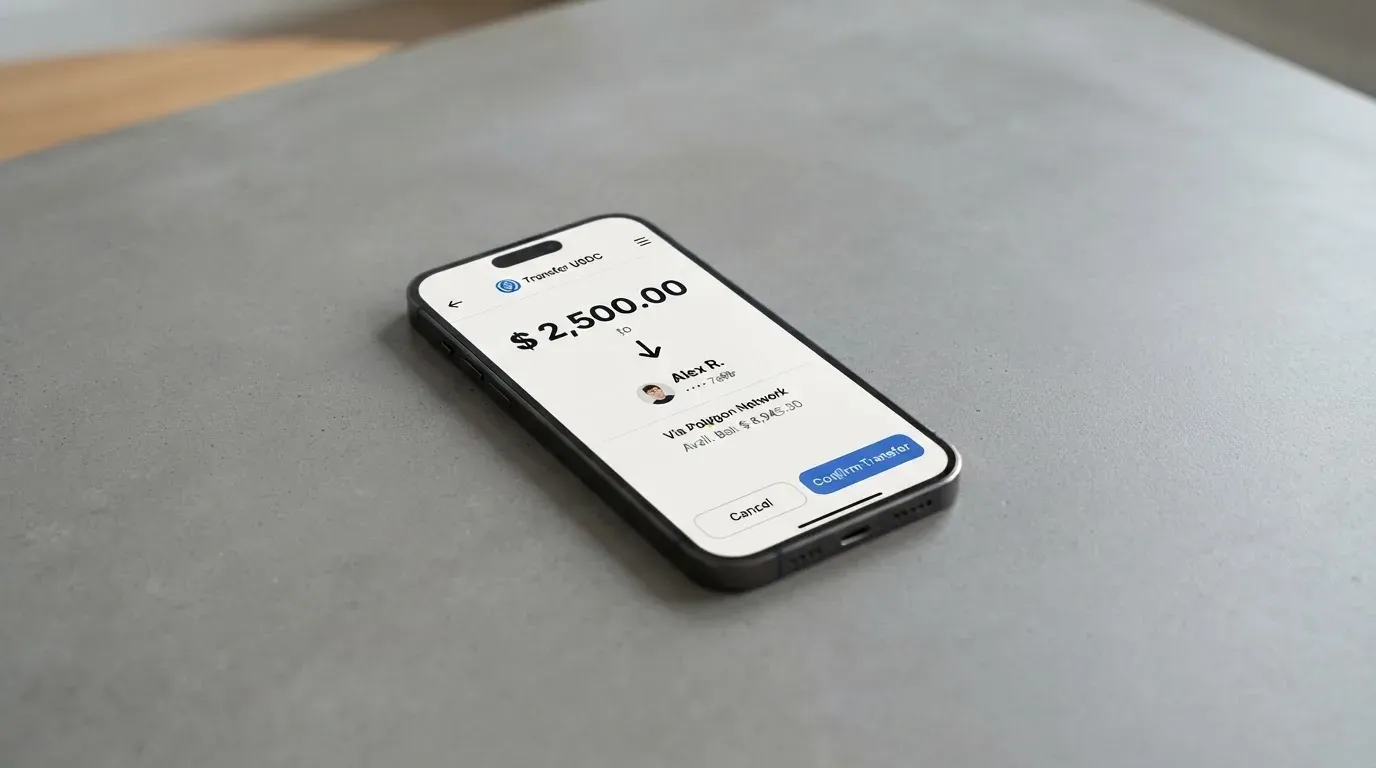
Five coins are accepted: Bitcoin, Ethereum, Solana, Monero and USDT. After deposit, the crypto is converted into the card’s balance currency. The Physical card holds Mexican pesos. The Virtual card holds US dollars. So if you send USDT and the Physical is your destination, the platform converts USDT to MXN at the prevailing rate before the balance lands. That means you carry FX risk on every top-up, separate from any explicit FX fee.
The minimum deposit is $100 USD. The page does not say who pays the network fee on the blockchain side — that is, whether the $100 minimum is the amount you send or the amount that lands after gas — so build in a buffer.
One important detail: the network you use for USDT is not named on the pages I read. USDT exists on Ethereum, Tron, Solana, Polygon and several other chains, and a deposit sent on the wrong network is the kind of mistake that, in this category, can mean a permanent loss of funds. Before you send anything, ask support which network they are expecting, and send a small test transaction first.
Cash withdrawals from the card are supported through any Mastercard or Visa ATM. Closing the account and getting a remaining balance back is not described on the public pages, so if that matters to you, raise it with support before you load the card.
Paying with it every day
In day-to-day use, Goblin behaves like a prepaid card. You load it, you spend it, you top it up again. The Physical is a Mastercard, so it works at any merchant that takes Mastercard, including shops that don’t take crypto at all. The Virtual is a Visa, and it is the one that pairs with Apple Pay and Google Pay — tap-to-pay on your phone, online checkout, anywhere Visa is accepted.
There is no mobile app. The web portal and the Telegram bot are how you check the balance, see transactions and contact support. If you are used to the slick apps that mainstream neobanks ship, this will feel spartan, but for the audience Goblin is built for — people who specifically don’t want a deep app footprint — that may be a feature.
There is no cashback programme, and no rewards scheme. The 0% FX on the Physical card is, in a sense, the reward, because every other cross-currency fee you would normally expect is waived. But it is not a cashback in the traditional sense; it is just the absence of a fee.
Refunds work like this. Before the card is used for the first time, you can get a full refund for any reason. Before shipping, the refund is total. After shipping, shipping fees are deducted. Once the card has been used successfully, it is no longer refundable. There is also a sharp line: if you publicly share your card’s BIN — the first six or eight digits of the card number that identify the issuer — the card is suspended indefinitely with no refund. That’s a real risk if you post a photo of the card on social media.
Chargebacks are not addressed on the public pages. If you dispute a transaction with a merchant, the path is unclear, and for a prepaid card with no e-money licence behind it, that’s worth bearing in mind.
What can go wrong
Any honest review of a no-KYC card has to spend real time here, because the same features that make Goblin attractive — no identity verification, no published country list, no app — are exactly the features that make it harder to trust.
The first thing to know is who is behind the card. The product is run by Goblin Solutions LLC, a limited liability company. The country of registration is not stated on the public pages, and the issuer — the bank or e-money institution that actually issues the Mastercard and Visa — is not named. In mainstream card products, the issuer is the regulated party whose licence lets them put the network’s logo on a piece of plastic. When the issuer is not disclosed, you have to take the brand at its word that the card will keep working tomorrow.
There is no record of complaints or incidents. I searched Trustpilot, Reddit and a handful of other channels and found no Goblin Cards reviews and no Trustpilot page for the domain. That is not a clean bill of health — it could mean the product is too small to have generated reviews, or that dissatisfied customers are not the kind to post publicly, or that the people using it are deliberately quiet. It does not mean the card is safe.
Security practices on the user side are not stated. There is no mention of two-factor authentication, no mention of an instant freeze, no mention of device binding. The support team is reachable through SimpleX and Telegram, with the handle @banklessinlatam, plus the same Telegram bot used for top-ups. Support is in English, 8am to 10pm Central Standard Time.
There is one more thing worth thinking about, and it has nothing to do with Goblin. Crypto transfers are irreversible. If you send USDT to the wrong address, or to the right address on the wrong network, the funds are gone. The refund policy covers the card itself, not the deposits you made to load it. The seed phrase of the wallet you use to fund the card is the only thing protecting that money, and if it’s compromised, no one is going to freeze the funds for you.
For a reader who is not in a hurry, not dealing with large amounts and is using Goblin because ordinary banking is genuinely unavailable, that balance of risk is workable. For a reader who is moving serious money through a no-KYC product, the same balance is reckless.
What to take instead
If Goblin’s $350 entry cost or 3.5% deposit fee is a deal-breaker — and for most people it is — there are other crypto cards worth a look. None of them is a perfect match for what Goblin offers, because Goblin’s specific pitch is no-KYC plastic. The alternatives below each make a different trade.
| Card | Score | KYC | Cost to start | What it does well | What it doesn’t do |
|---|---|---|---|---|---|
| CardFlow | 4.9 / 10 | Not stated | Free to create | Free virtual USD Mastercard, set up in about 3 minutes, aimed at users in Nigeria and global users | Fees and country list not published; physical card not mentioned |
| HyperCard | 4.7 / 10 | Not stated | Not stated | App Store says acceptance in more than 176 countries, USD or EUR balance, deposit USDT, BTC, ETH in the app | Network, fees, country list and funding networks not on the readable pages |
| Card.fi | 6.6 / 10 | Required | $49 (Virtual Classic) up to $249 (Virtual Premium) | Ships to 200+ countries, 32 coins across 5 networks, cashback on spending, balance earn up to 18% on Metal | Higher FX fees than Goblin (3.5% Classic, 2.5% Premium), KYC required |
CardFlow is the closest to Goblin in spirit if you can live with a virtual-only card and a focus on Nigeria. The creation is free, and you can be spending in minutes. The cost is that almost nothing about the fee structure is published, and there is no physical card.
HyperCard is interesting for a reader who wants a proper app and is happy to live with USD or EUR on the card. The “176 countries” figure is about acceptance, not eligibility, and the App Store listing doesn’t give you the fees. You will need to install the app and look at the in-app terms before you decide.
Card.fi is the most complete of the three. It ships to over 200 countries, supports 32 coins across five networks, and offers real cashback on spending. The trade is that it requires KYC, the FX fees are higher than Goblin’s, and the wrong-chain deposit risk is real — sending on a network the card doesn’t support can mean a permanent loss. Card.fi is what a mainstream crypto card looks like.
If your priority is the absence of KYC, the realistic answer is that Goblin has very few direct competitors. If your priority is cost, every alternative here is cheaper to start with. If your priority is the product itself — a real piece of plastic, mobile wallets, ATM access — Goblin is competing in a small field.
Who I would recommend it to
I would recommend Goblin to a reader who fits three conditions at once. First, you genuinely cannot or will not complete a KYC check with a mainstream card provider — that may be because of your country, your immigration status, your past financial history, or a principled preference for not sharing ID with payment companies. Second, you can absorb $350 as an entry cost, plus 3.5% on every top-up, and treat the balance on the card as money you can afford to lose. Third, you are not loading the card with the bulk of your net worth.
If those three conditions are met, Goblin is a working product. The Physical Mastercard takes you to the supermarket, the Virtual Visa lives in your phone, Monero is accepted for those who care about transaction privacy, and the support team is reachable on SimpleX and Telegram. The price of the privacy is the $350 plus the per-top-up fee. For the right reader, that is a price worth paying.
If only one of those three conditions is met, the answer is different. If you can pass KYC and just want the cheapest crypto card, Card.fi or HyperCard will be cheaper to start with and offer cashback. If you can absorb the $350 but want a low ongoing cost, no card in this category beats mainstream options once you can pass their checks. If you are moving large sums, the absence of a named issuer and the lack of a published complaint history make Goblin the wrong home for that money.
For everyone else, the honest summary is this: Goblin is a small, real product built for a small, real audience, and the score of 5.5 out of 10 reflects that. It does what it says on the tin, charges a serious price for the privilege, and doesn’t pretend to be something it isn’t.
Frequently asked questions
What is the Goblin card?
Goblin is a crypto-funded payment card product made up of a Physical Mastercard (Mexican peso balance) and a Virtual Visa (US dollar balance), sold together. It is run by Goblin Solutions LLC and is positioned as a no-KYC alternative to mainstream crypto cards.
Is Goblin a bank?
No. Goblin is a card product run by a limited liability company, not a bank. The pages do not name a regulated issuer behind the Mastercard or Visa programmes, which is one of the trade-offs of choosing a no-KYC product.
Who owns Goblin?
Goblin is operated by Goblin Solutions LLC. The country of registration and the entity that issues the cards are not stated on the public pages, so the ownership structure beyond the LLC name is not publicly disclosed.
How does the Goblin card work?
You pay for the Physical and Virtual pair, send cryptocurrency to a deposit address through the web portal or Telegram bot, and the platform converts the deposit into the card’s balance currency. From there, the card works like any prepaid Mastercard or Visa at merchants, online, and at ATMs.
Does the Goblin card require KYC?
The Physical Mastercard is sold without KYC — no ID, passport or driver’s licence is required. The Virtual Visa’s KYC requirements are not stated on the public pages, so you should confirm with support before relying on it as a no-KYC option.
How do I top up the Goblin card?
You send Bitcoin, Ethereum, Solana, Monero or USDT through the recommended web portal or the Telegram bot, and the platform converts the deposit to MXN on the Physical or USD on the Virtual. The minimum deposit is $100 USD, and the network for USDT should be confirmed with support before you send.
Can I use Goblin with Apple Pay and Google Pay?
The Virtual Visa pairs with Apple Pay and Google Pay, including for tap-to-pay in shops. The Physical Mastercard does not appear to support mobile wallets based on the public pages.
Is the Goblin card safe?
The card works as described, but the issuer is not publicly named, the country of registration is not disclosed, there is no public review history on Trustpilot or Reddit, and standard security features like two-factor authentication are not mentioned. Treat the balance on the card as money you can afford to lose.
How much does the Goblin card cost?
The Physical and Virtual pair is $350 USD as a limited-time offer. There is no monthly fee. Every top-up costs 3.5% (4% for Monero). The Virtual card charges about 1.5% on foreign exchange; the Physical charges 0% FX. ATM withdrawals cost 2%, and a replacement card costs $100.
Is the Goblin card worth it?
If you can pass a normal KYC check, cheaper options exist and Goblin is hard to justify. If you specifically need a no-KYC physical and virtual card and can absorb the $350 plus the 3.5% deposit fee, Goblin is one of very few products that delivers on that brief. The score of 5.5 out of 10 reflects a working product at a high price.
Virtual cards on the shortlist – cryptocardshortlist
Content created by the «cryptocardshortlist» team